
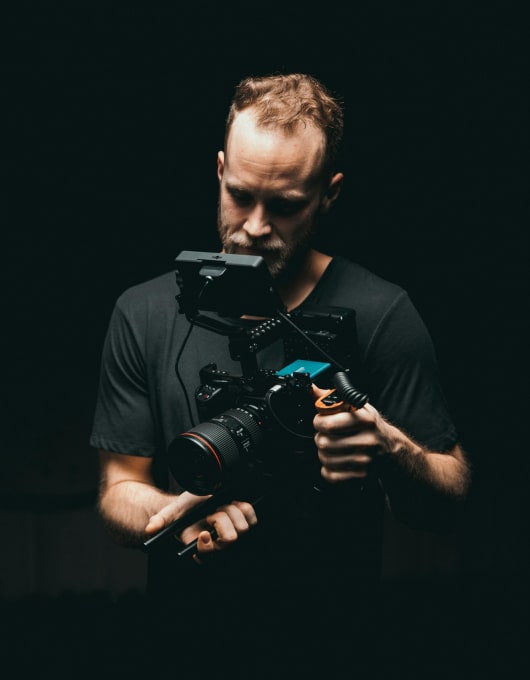
Specify camera, movement, lighting, and performance per shot—so generations match your intent.
Most AI video tools give you “a result.” Shot Director helps you get the shot you meant. Define framing, lens feel, camera movement, lighting, tempo, and performance beat-by-beat—then generate consistently within your Project Bible and Story plan.
The problem: generic output and endless re-rolls
When you generate without shot-level direction, the model fills in the gaps. That’s why you see:
Framing and Camera
“Close, but not the shot” framing and camera choices
Inconsistency
Inconsistent lighting and mood between consecutive shots
Beat Matching
Performances that don’t match the beat (too flat, too intense, wrong timing)
Prompt Tweaking
Tons of prompt tweaking and credit burn to get something usable
What it is
Shot Director is Plixel’s shot-level control panel. It converts your intent into a structured shot spec that the model can follow—while keeping continuity with your Project Bible (characters, locations, style rules).
Instead of one big prompt, you direct a shot using clear, repeatable inputs:
camera + composition
movement
lighting
performance
timing and emphasis
What you can specify per shot
Camera & framing
Wide/medium/close, POV choices, composition rules, lens feel, depth of field.
Movement
Static, pan, tilt, dolly, handheld, push-in, orbit—plus speed and intention.
Lighting & mood
Time-of-day, key/fill/backlight feel, contrast level, practical light sources, atmosphere.
Performance & blocking
What the character is doing, emotional tone, micro-actions, eye-line, gestures, pacing.
How it works
Start from a plan
Pick a scene/beat from Story & Structure (or create a shot directly).
Choose the shot type
Define framing and camera language (wide/medium/close, POV, lens feel).
Add motion and lighting
Set movement and mood to match the scene objective.
Direct performance
Describe the action and emotional beat in clear terms.
Generate + iterate
Regenerate only the shot that needs work—while keeping Project Bible continuity.